
GUIDE
How to make a quiz video
A quiz video asks a few questions, gives viewers a short countdown to guess, then reveals each answer. In Ginvid you choose the Quiz video type, write a subject or your own questions, read the quiz, and make the video: each question is read aloud, a five-second countdown runs on screen, and the answer appears with a picture of its own.
By Eventarena AB. Published 25 October 2026.
What the Quiz type is
Quiz is one of Ginvid's video types. It changes how the script is written, not how the video looks: questions first, a countdown, then the answer. The look, the voice and the length are still your choice.
What to write
- A subject: "The planets of our solar system". Ginvid writes the questions, easiest first, and talks to the viewer directly.
- Or your own questions, one per line, with or without answers. Answers you write are kept word for word; a question without one gets an answer written for you, and you see them all before anything is made.
- The length decides the number of questions when Ginvid writes them: one or two for a Short under a minute, three for about a minute, and five to seven for 2.5 minutes or more.
What Ginvid does
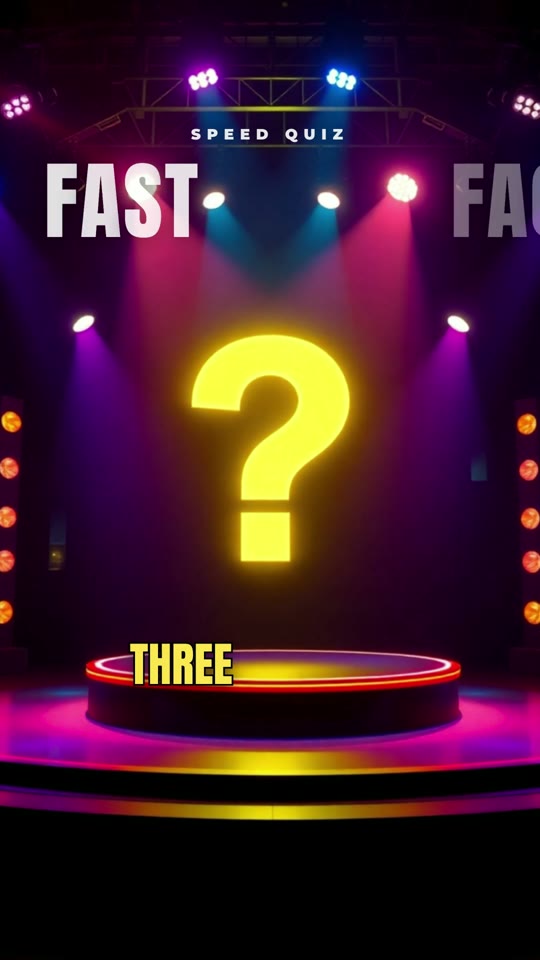
It reads each question in a game-show voice, holds a countdown on screen while viewers guess, then reveals the answer with one surprising detail and a picture. The question and the answer each get their own visual. At the end it asks viewers to comment how many they got right, which is where the comments on a quiz come from. A quiz can be a vertical Short of up to 3 minutes or a landscape video of up to 7.
Steps
- Open the Video page and choose Quiz.
- Write the subject or the questions.
- Read the quiz Ginvid writes and change any question or answer.
- Check the price, then press Make. A 30-second quiz Short starts at 1 credit.
Check before you post
- Answers you did not write come from what the AI knows. Check each one that matters, and the ones with a date or a number most of all.
- Quizzes with a right answer in a picture (flags, landmarks) deserve a second look at the picture, not only the words.
Try it
Opens the Video page with the Quiz type and a subject filled in. Plans from $39 a month.
Make a quiz