
Why Rome fellScript, voice, visuals
01Start with anything
An idea, a YouTube link, your own script or a voice recording. An idea gets its script written for you in seconds.
MAKE VIDEOS IN CHATGPT AND CLAUDE
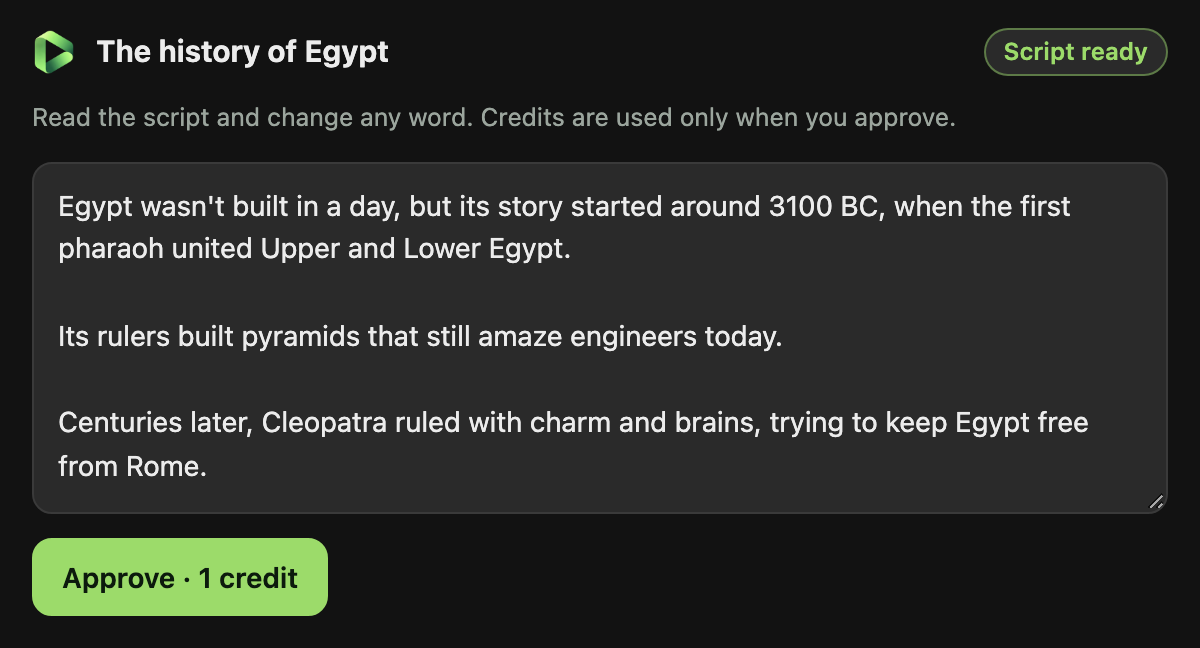
Add Ginvid to ChatGPT or Claude with one address and your Ginvid sign-in. Then ask in your own words: a 30-second Short about the history of Egypt, a 3-minute video about black holes, a lo-fi song about rainy Sundays. The script and the price appear in a card in the chat, and the finished video plays right there.
https:/ChatGPT: Plugins, then +, then Add custom MCP server. Claude: Settings, Connectors, Add custom connector.
Step-by-step guideStart with 10 credits for $9. Connecting costs nothing; each video uses the credits in your Ginvid account. You see the exact price before anything is made.
REAL RESULTS
One clear format, made with Ginvid and published every day. Six of his Shorts passed hundreds of thousands of views.
Make your first video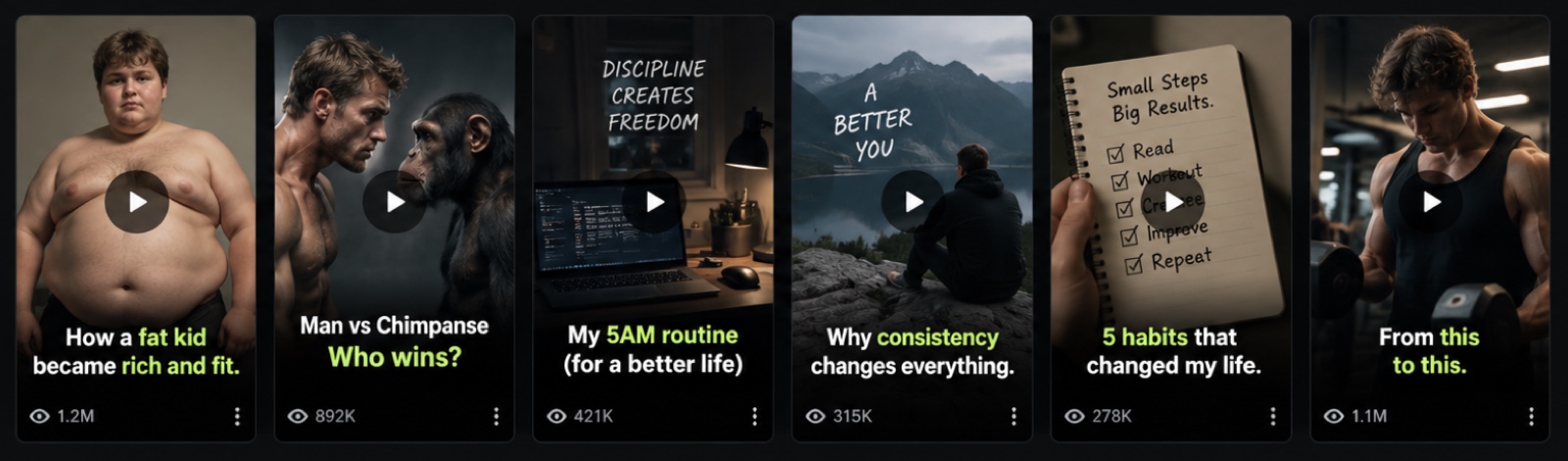
SEE WHAT IT MAKES
Tap one to make your own version.
 Make one like this
 Make one like this
 YOUR NARRATED VIDEOA place worth
 Make one like this
HOW IT WORKS
Every step below is a working piece of the studio.
An idea, a YouTube link, your own script or a voice recording. An idea gets its script written for you in seconds.
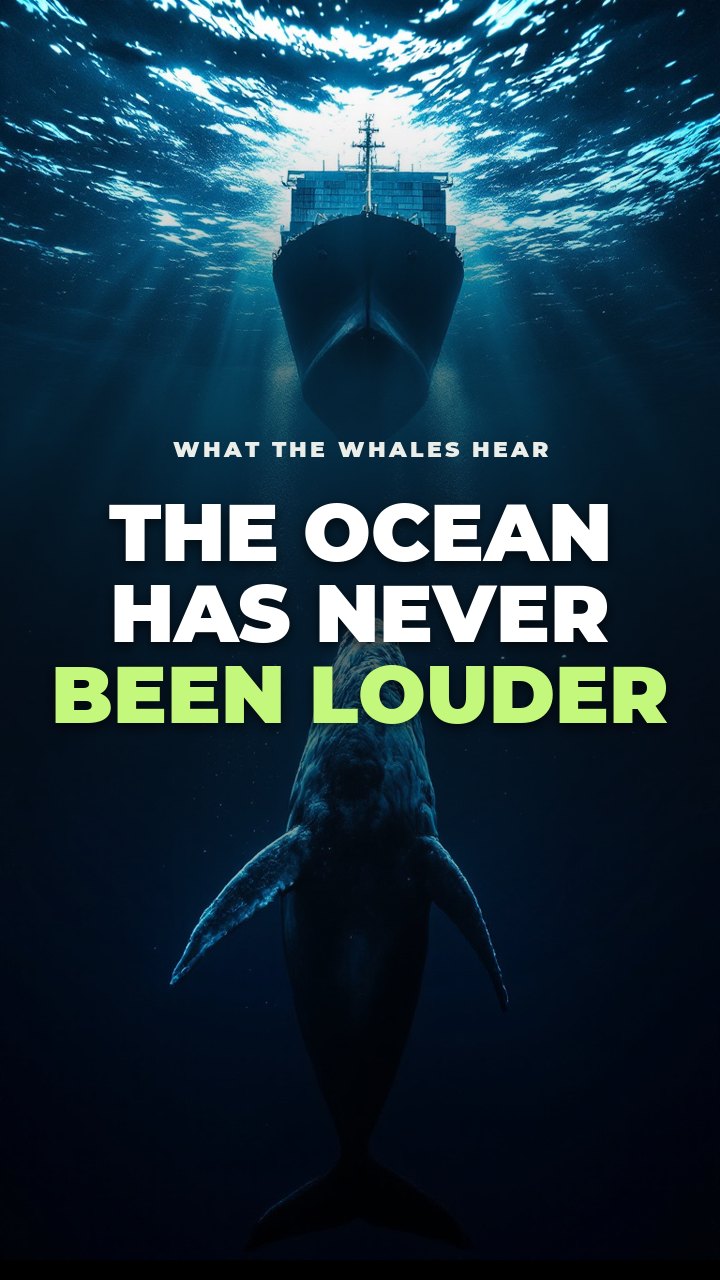
Most people think the ocean is silent. It has never been louder. Ships, sonar and storms now drown out the songs whales use to find each other…
1 credit · Create videoChange anything in the script. You see the exact price before anything is made.
Style the cover live, add music, then download. Try the cover here.
EVERYTHING IN ONE STUDIO
Save a topic, style and voice once. Every new video follows it.
Pick the days and Ginvid makes each video for you, and can post it to YouTube by itself.
True stories written only from reliable sources, each one shown to you.
Quizzes with a countdown, scary stories, top fives and more.
Animated captions, titles and transitions on every scene.
Natural AI narration, premium voices, or your own recording.
Written, narrated and captioned in English, Spanish, Swedish and 11 more.
Swap a picture, change a line or the voice without starting over.
Vertical Shorts up to 3 minutes, landscape videos up to 7.
Your photo or a character says the script on camera, in time with the voice. Talking photo videos
You in any scene, as Feed, Story or Square pictures for Instagram and Facebook. AI photos of yourself
Ask for a Short, a video or a song in your chat and approve it in a card. How it works
Publish to YouTube and TikTok straight from the studio. Coming soon.
MUSIC STUDIO
Describe a song in one sentence. Get it with vocals or as an instrumental, then put it under any of your videos in one tap.
Made in Ginvid’s music studio from four words. Nothing else was edited.
PRICING
One set of credits for videos and songs. Start with 10 credits for $9, or save with a plan. Drag the length, see the cost.
Start small. 10 credits for $9, no subscription needed.
Then plans from $39 a month, or credit packs. A 30-second Short is 1 credit.
See plans and pricesWHY GINVID
No prompts to learn: say what you want, change it in the same chat, and ask for another language or a new picture in a scene.
The assistant shows the script and the price in a Ginvid card first. Credits are used only when you approve it.
Shorts, long videos, songs, true stories from web sources, data videos and whole channels with Autopilot, all from the chat.
STEP BY STEP
In ChatGPT: Plugins, then +, then Add custom MCP server. In Claude: Settings, Connectors, Add custom connector. Paste the address.
Ginvid's own sign-in page opens. Check that it names your assistant and choose Allow. Your password stays with Ginvid.
Type @Ginvid in ChatGPT, or simply ask Claude, then approve the script in the card.
QUESTIONS
A Ginvid account with credits, and ChatGPT or Claude. Adding your own MCP server may need a paid ChatGPT plan; in Claude, look for Connectors in Settings.
No. Connecting is free, and a video uses the same credits as in the studio. The price is shown in the card, and nothing is charged until you approve.
Only when you press the button in the Ginvid card. It shows the title, the description and who can watch, and the video goes to your connected YouTube channel when you confirm.
No. Ginvid only receives what the assistant sends to its tools, such as a video's topic or script, and handles it like a request from the studio.
Open My account in Ginvid and choose Disconnect next to the assistant. It stops working within a minute.
MORE WITH GINVID
Plans from $39 a month. See the price before you spend a credit.
https:/ChatGPT: Plugins, then +, then Add custom MCP server. Claude: Settings, Connectors, Add custom connector.
Step-by-step guide