
youtube.com/watch?v=…New script, new visuals
01Start with anything
A public YouTube link, an idea, your own script or a voice recording.
AI THUMBNAIL MAKER
Describe the image and AI paints it for your video's exact frame. Then add a headline and style it live: six bold fonts, any colour, any size, top, middle or bottom. What you see is exactly what is saved, and changing the text is free.
Your first video is free. After that a 30-second Short costs 1 credit. You see the exact price before anything is made.
NEW · MUSIC STUDIO
Describe a song in one sentence. Get it with vocals or as an instrumental, then put it under any of your videos in one tap.
Made in Ginvid’s music studio from four words. Nothing else was edited.
SEE WHAT IT MAKES
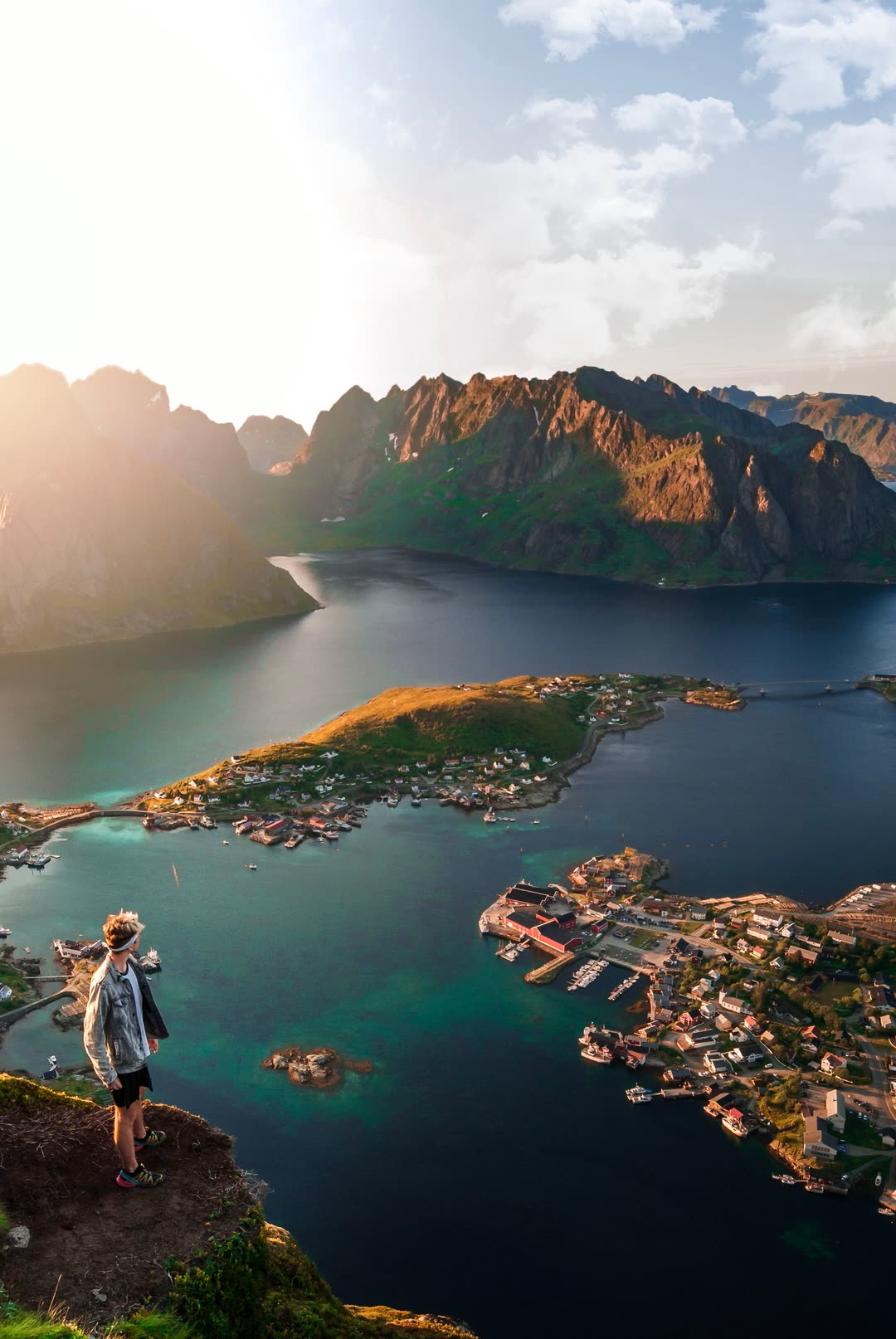 YOUR NARRATED VIDEOA place worth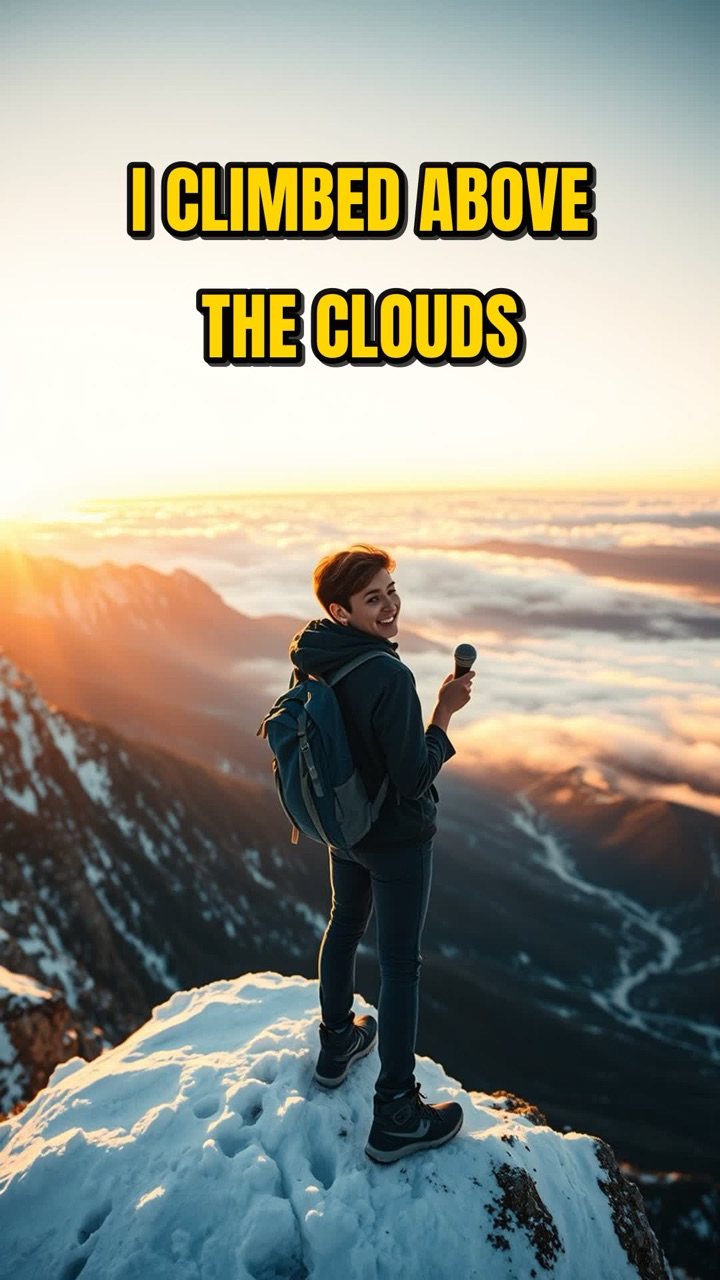
HOW IT WORKS
Every step below is a working piece of the studio.
A public YouTube link, an idea, your own script or a voice recording.
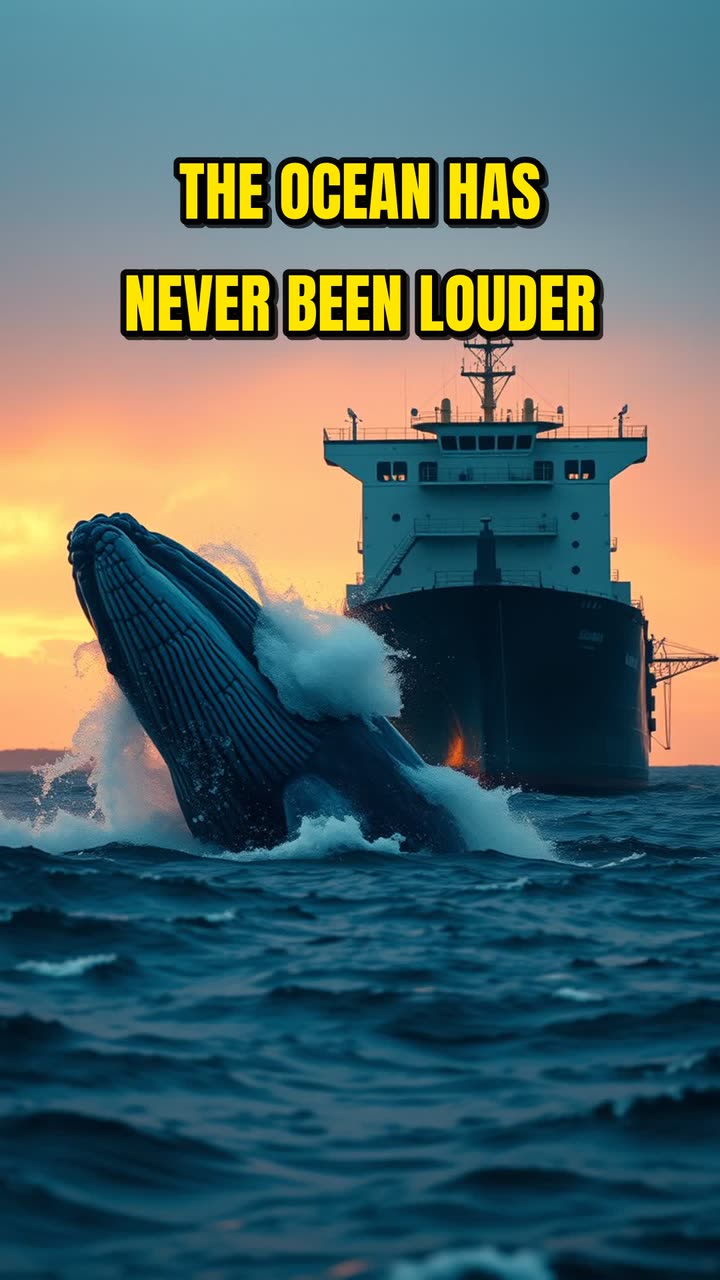
Most people think the ocean is silent. It has never been louder. Ships, sonar and storms now drown out the songs whales use to find each other…
1 credit · Create videoGinvid writes the script first. Change anything, then approve the price.
Make the cover image with AI, then style the headline while you watch. Try it.
Your own song or music composed for the story, mixed under the voice.
PRICING
One set of credits for videos and songs. Pick what you make, drag the length, see the cost.
CREATOR SUCCESS STORY
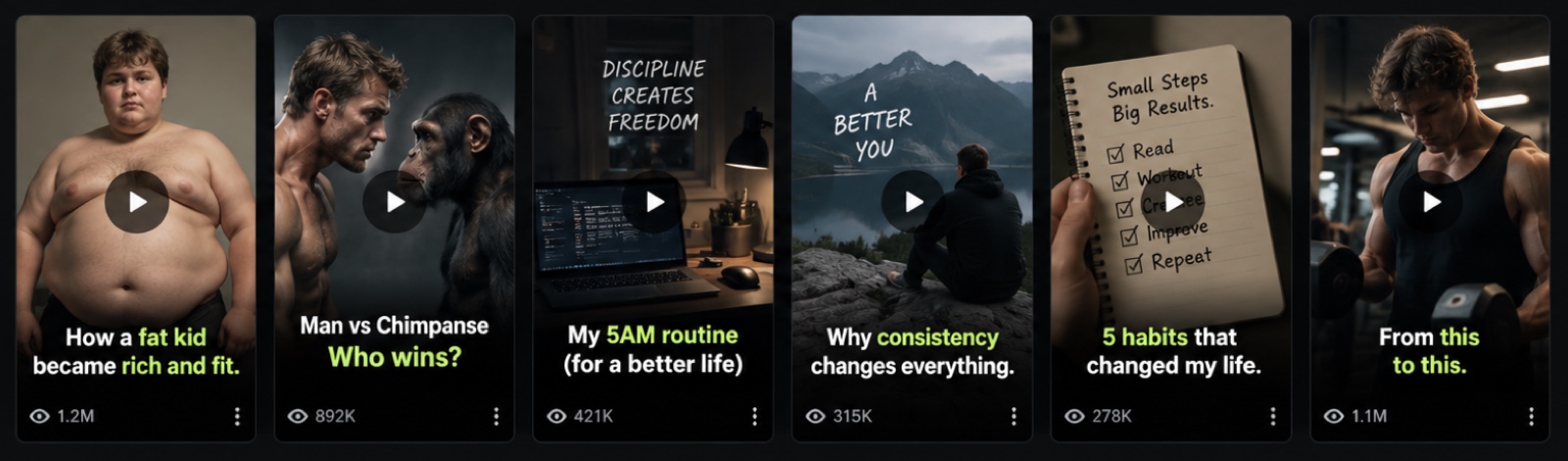
By publishing consistently, Simon turned a month of Shorts into real audience growth.
WHY GINVID
The AI image never has text baked in, so you can change the headline any time.
The headline is drawn as you type, with the same layout the final cover uses.
The cover matches the video's frame, 9:16 or 16:9, and downloads with it.
STEP BY STEP
One credit buys a new AI image in your video's frame.
Font, size, colour and place, drawn live.
The cover is saved automatically and downloads as a JPG.
QUESTIONS
A new AI image costs 1 credit. Changing the headline, font, size, colour or place is free.
Six headline fonts, from a bold classic to condensed display faces, a comic font and a marker style.
Yes. Ginvid keeps the image without text, so the headline can be changed at any time while the video is available.
Yes. Every finished video gets a free cover from its first scene. An AI cover is optional.
MORE WITH GINVID
Plans from $39 a month. See the price before you spend a credit.