
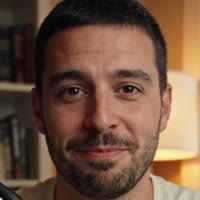
 1 phototalking video
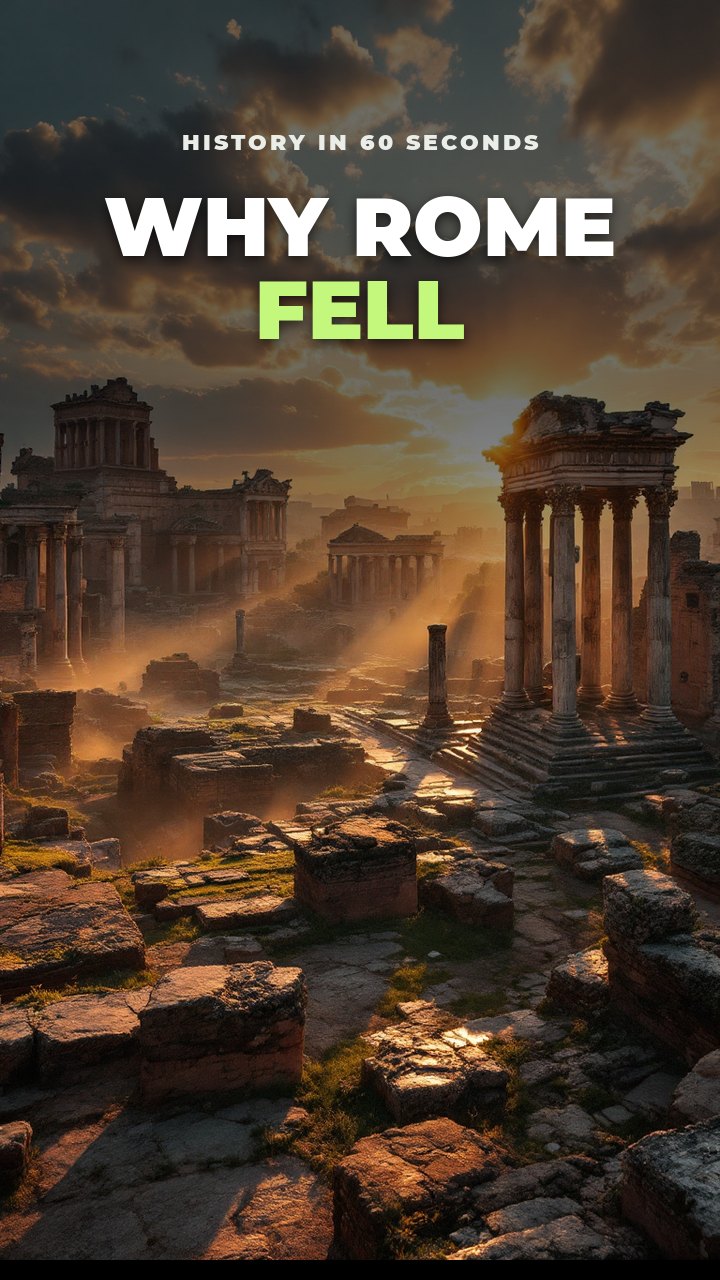
Why Rome fellScript, voice, visuals
01Start with anything
An idea, a YouTube link, your own script or a voice recording. An idea gets its script written for you in seconds.

TALKING PHOTO VIDEO
Add one photo of yourself, or have Ginvid create a character. Choose how much they talk: the opening and the ending, or about a third of the video. Ginvid writes the script and the voice, and the person says those scenes on camera in time with every word, with pictures or real footage in between, like the presenter of a real channel.
Start with 10 credits for $9. About 1 credit for each second on camera, on top of the video. You see the exact price before anything is made.
REAL RESULTS
One clear format, made with Ginvid and published every day. Six of his Shorts passed hundreds of thousands of views.
Make your first video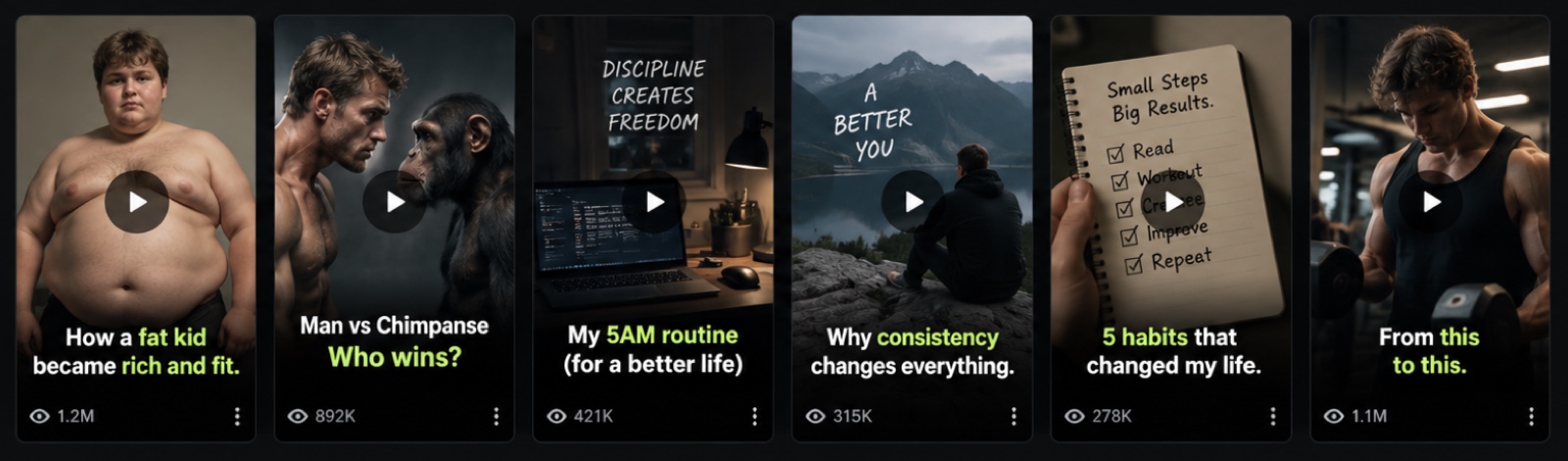
SEE WHAT IT MAKES
Tap one to make your own version.
 Make one like this
 Make one like this
 YOUR NARRATED VIDEOA place worth
 Make one like this
HOW IT WORKS
Every step below is a working piece of the studio.
An idea, a YouTube link, your own script or a voice recording. An idea gets its script written for you in seconds.
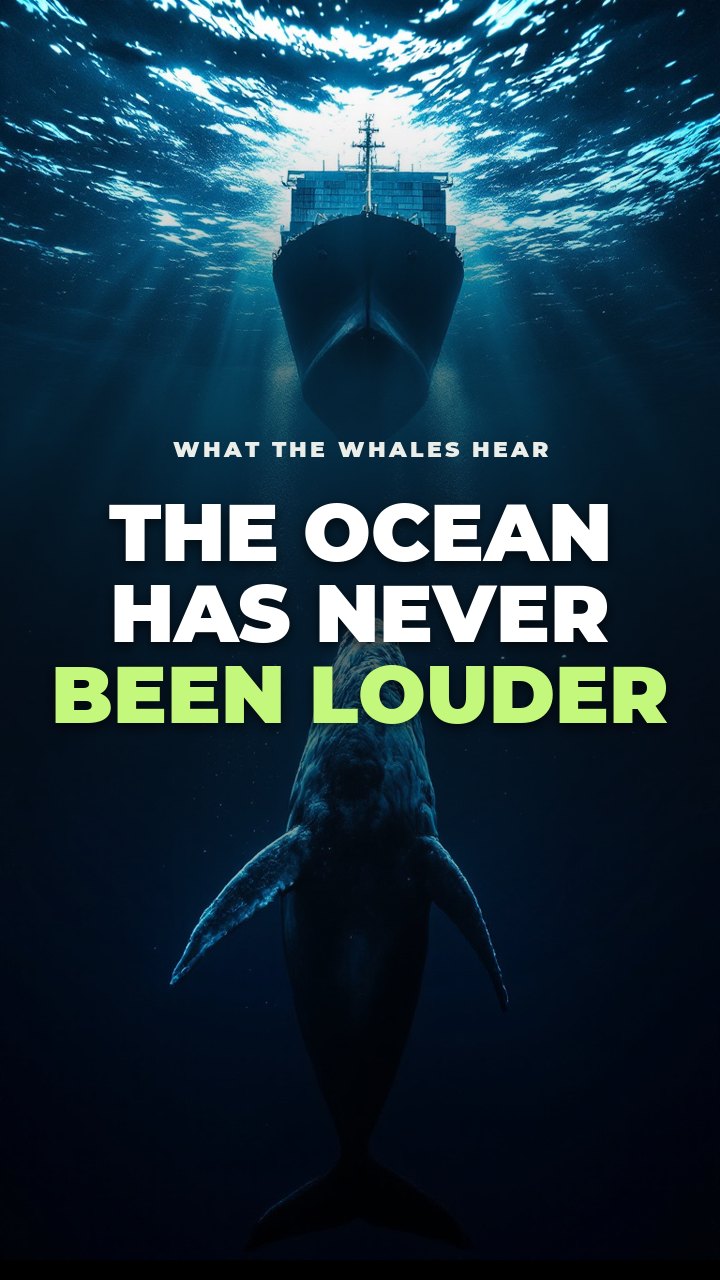
Most people think the ocean is silent. It has never been louder. Ships, sonar and storms now drown out the songs whales use to find each other…
1 credit · Create videoChange anything in the script. You see the exact price before anything is made.
Style the cover live, add music, then download. Try the cover here.
EVERYTHING IN ONE STUDIO
Save a topic, style and voice once. Every new video follows it.
Pick the days and Ginvid makes each video for you, and can post it to YouTube by itself.
True stories written only from reliable sources, each one shown to you.
Quizzes with a countdown, scary stories, top fives and more.
Animated captions, titles and transitions on every scene.
Natural AI narration, premium voices, or your own recording.
Written, narrated and captioned in English, Spanish, Swedish and 11 more.
Swap a picture, change a line or the voice without starting over.
Vertical Shorts up to 3 minutes, landscape videos up to 7.
Your photo or a character says the script on camera, in time with the voice. Talking photo videos
You in any scene, as Feed, Story or Square pictures for Instagram and Facebook. AI photos of yourself
Ask for a Short, a video or a song in your chat and approve it in a card. How it works
Publish to YouTube and TikTok straight from the studio. Coming soon.
MUSIC STUDIO
Describe a song in one sentence. Get it with vocals or as an instrumental, then put it under any of your videos in one tap.
Made in Ginvid’s music studio from four words. Nothing else was edited.
PRICING
One set of credits for videos and songs. Start with 10 credits for $9, or save with a plan. Drag the length, see the cost.
Start small. 10 credits for $9, no subscription needed.
Then plans from $39 a month, or credit packs. A 30-second Short is 1 credit.
See plans and pricesWHY GINVID
No camera, no studio and no retakes: one clear photo of a face is enough. Or let Ginvid create a character and keep them as your channel's host.
Their lips follow the narration scene by scene, and the pictures or footage between keep the video moving, cut the way real channels cut.
Use a photo of yourself or of someone who agreed to it. Every photo is checked first: one adult, face visible, not a well-known person.
STEP BY STEP
Upload a photo of yourself in Photos, or create a character from a few words.
Start from an idea, your script or a YouTube link, then choose the person and how much they talk.
See the script and the exact price, then download the video or post it to YouTube.
QUESTIONS
About 1 credit for every second the person is on camera, added to the video's normal price. Opening and ending puts them in the first and the last scene; About a third puts them in every third scene. The exact total is shown before you approve.
Your own, or a photo of someone who agreed to it. Every photo is checked before it is kept: it must show one adult with the face visible, and not a well-known person. A character Ginvid creates is an invented person who does not resemble anyone real.
Shorts and landscape videos with AI pictures or real stock footage. Quizzes, split screens, maps and data videos are made without one, because every scene of those is already taken.
Yes. Give a channel a host and choose how much they talk, and every new video in that channel has them on camera, including the ones Autopilot makes.
Any of the 14 languages Ginvid narrates in. Choose the language before the video is made: a talking video is not translated afterwards.
MORE WITH GINVID
Plans from $39 a month. See the price before you spend a credit.